
01
Photo scan
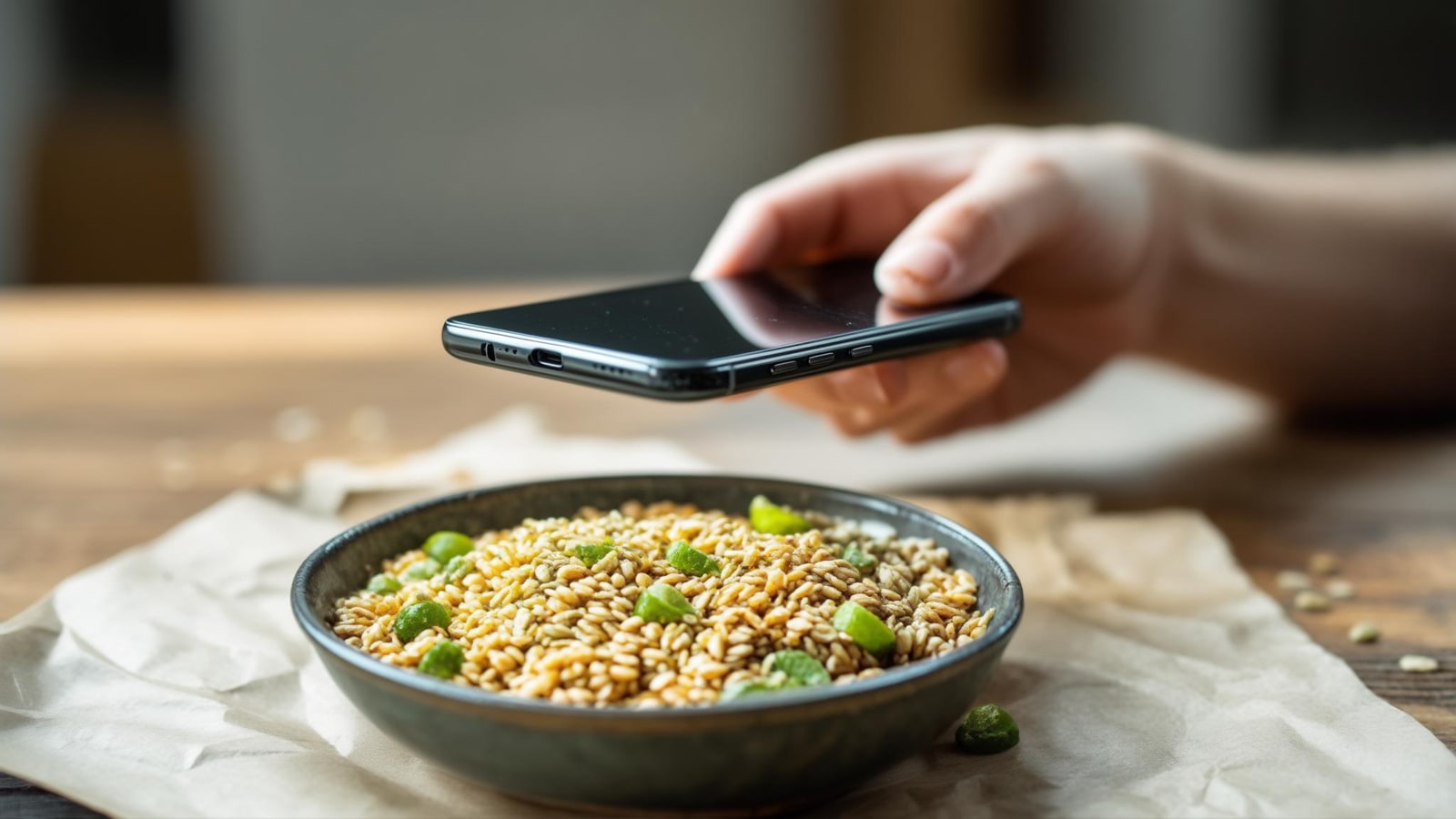
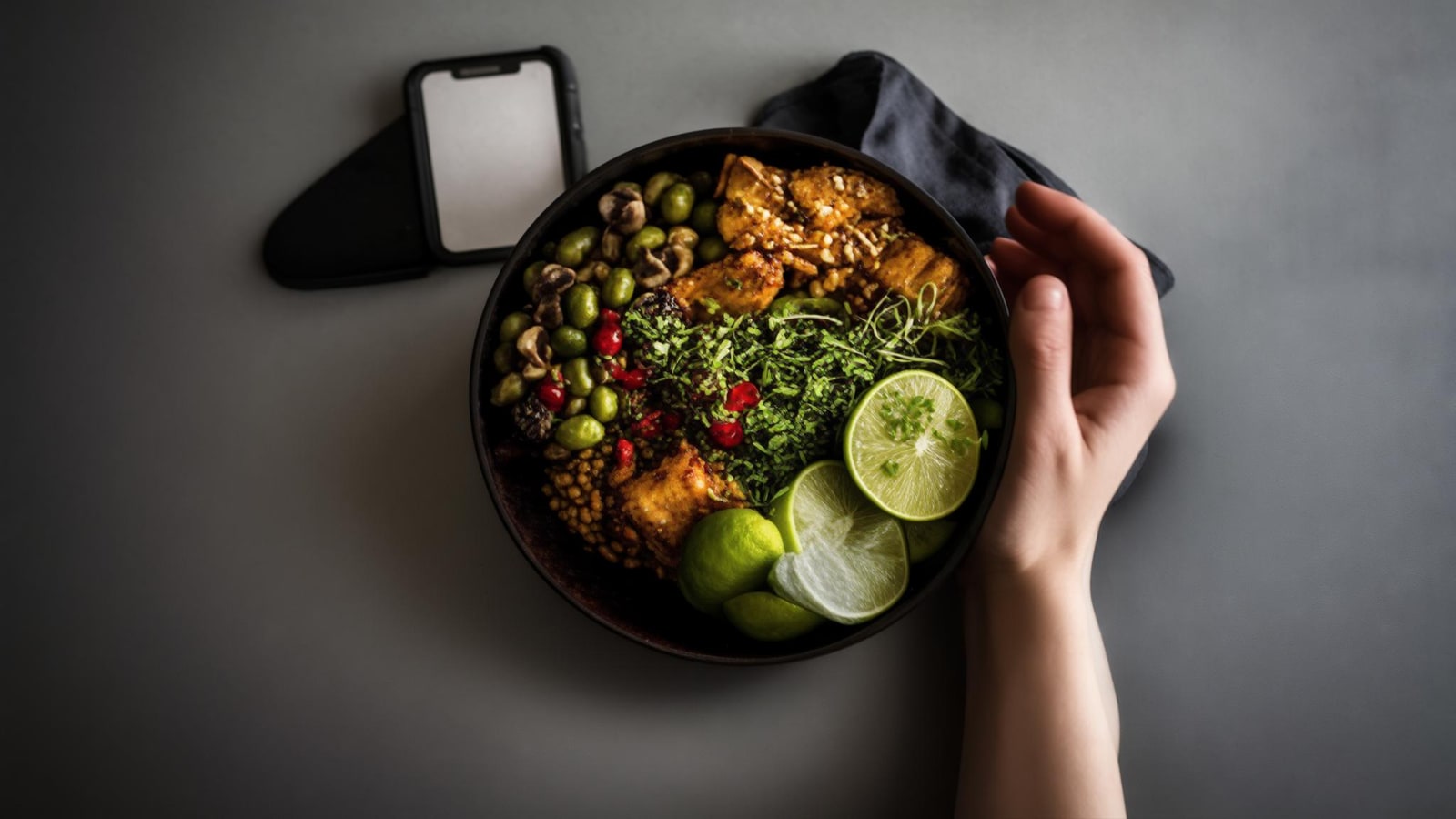
Point at a plate to identify foods and estimate portions, then check every item before logging.
Food logging that keeps up
Take a photo. Check every food and portion. Then see what still fits your day.
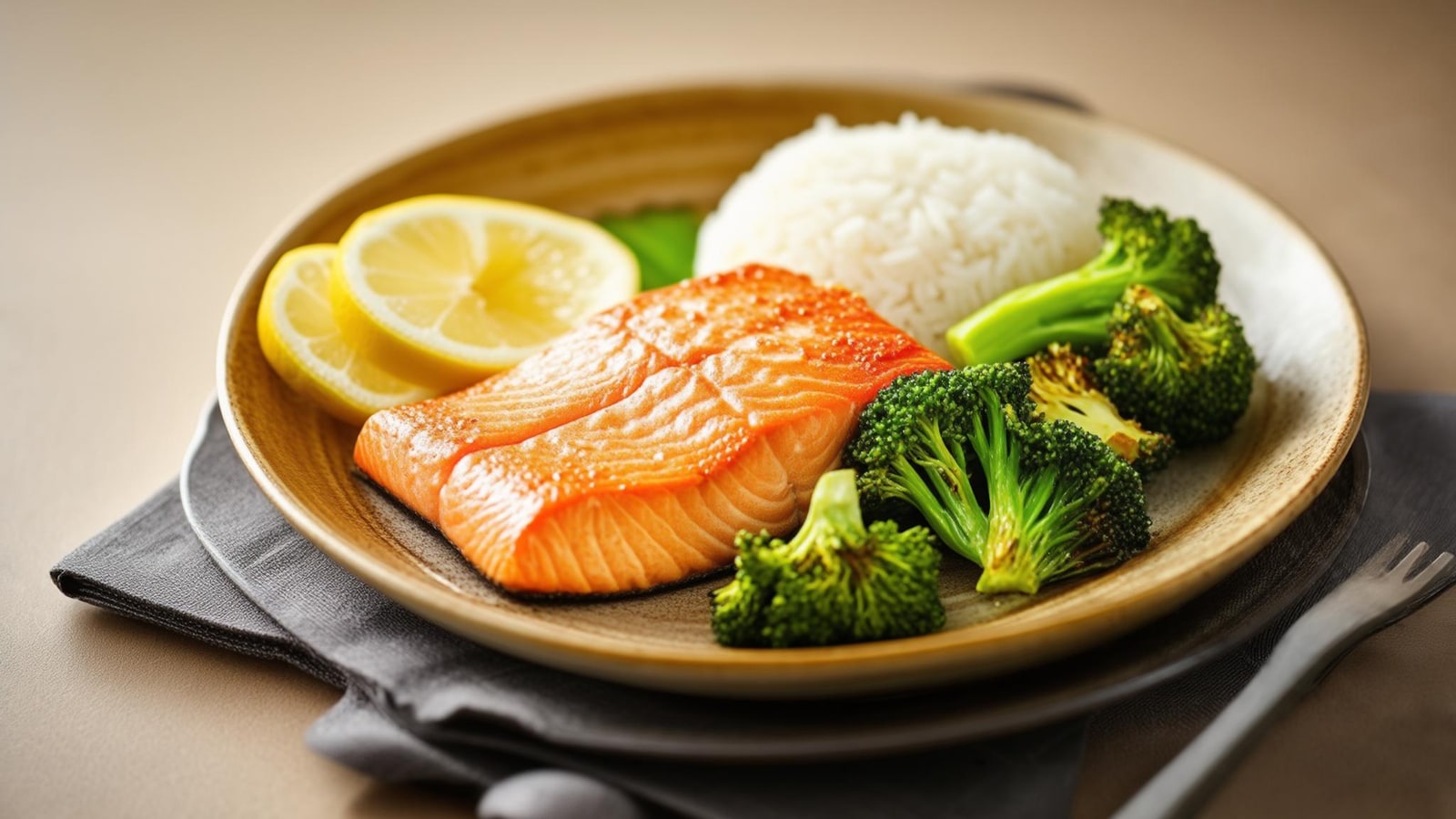
Try Tab with 5 free photo scans for the lifetime of your account. Barcode, search and describe stay unlimited and free.
From camera to food log
A vision model identifies food and estimates portion grams. Calories and macros come from food-database records, never a model-generated nutrient number.
Point your camera at the meal and take one photo. Barcode, search and describe-a-meal are there when a photo is not practical.
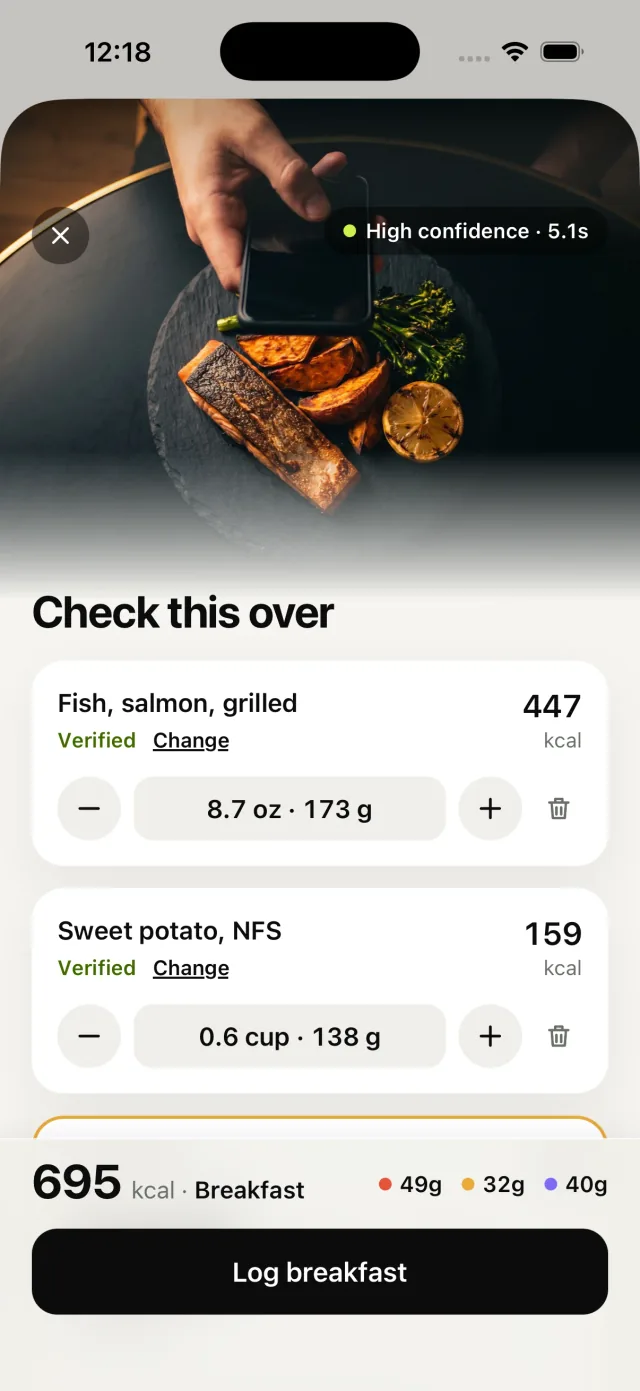
A vision model names the visible foods and estimates grams for each, here 173 g of grilled salmon and 138 g of sweet potato. Change any match or portion.
Oil, butter and dressing rarely show in a photo. Tab lists the likely extras, and you add or clear each one.
Calories and macros come from matched food-database records, scaled to your portion. An item with no match is priced from its food type and labelled Estimated. Every photo result is an estimate you can review and correct before it reaches your day.
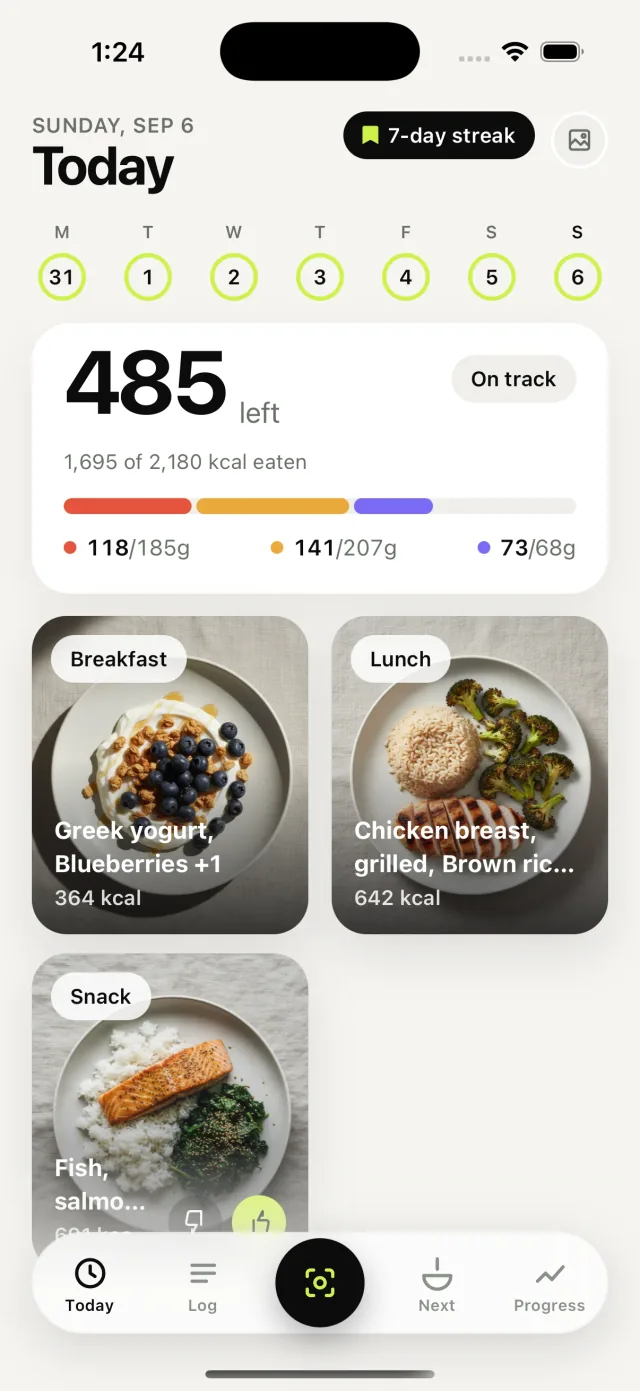
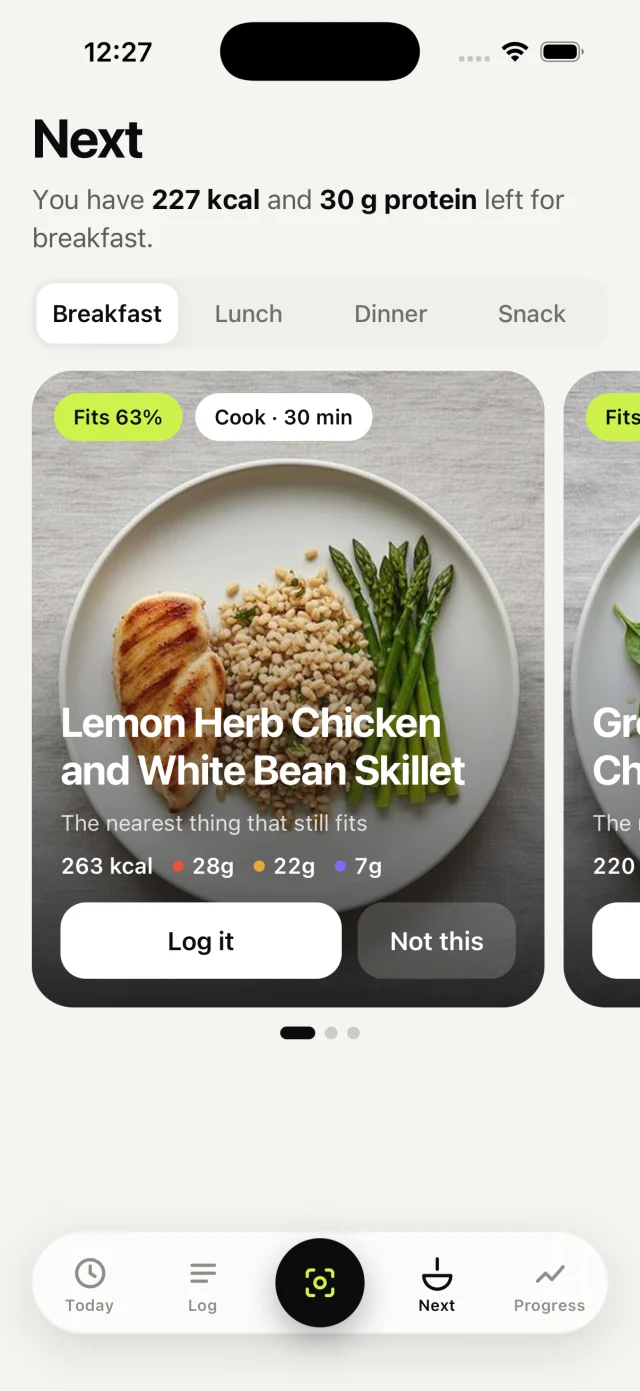
What to Eat Next ranks practical meals against what you have left. On this screen, that is 227 kcal and 30 g of protein for breakfast.
Foods and figures on these screens come from Tab’s App Store screenshots. The extras prompt uses the app’s own wording.
Four ways in
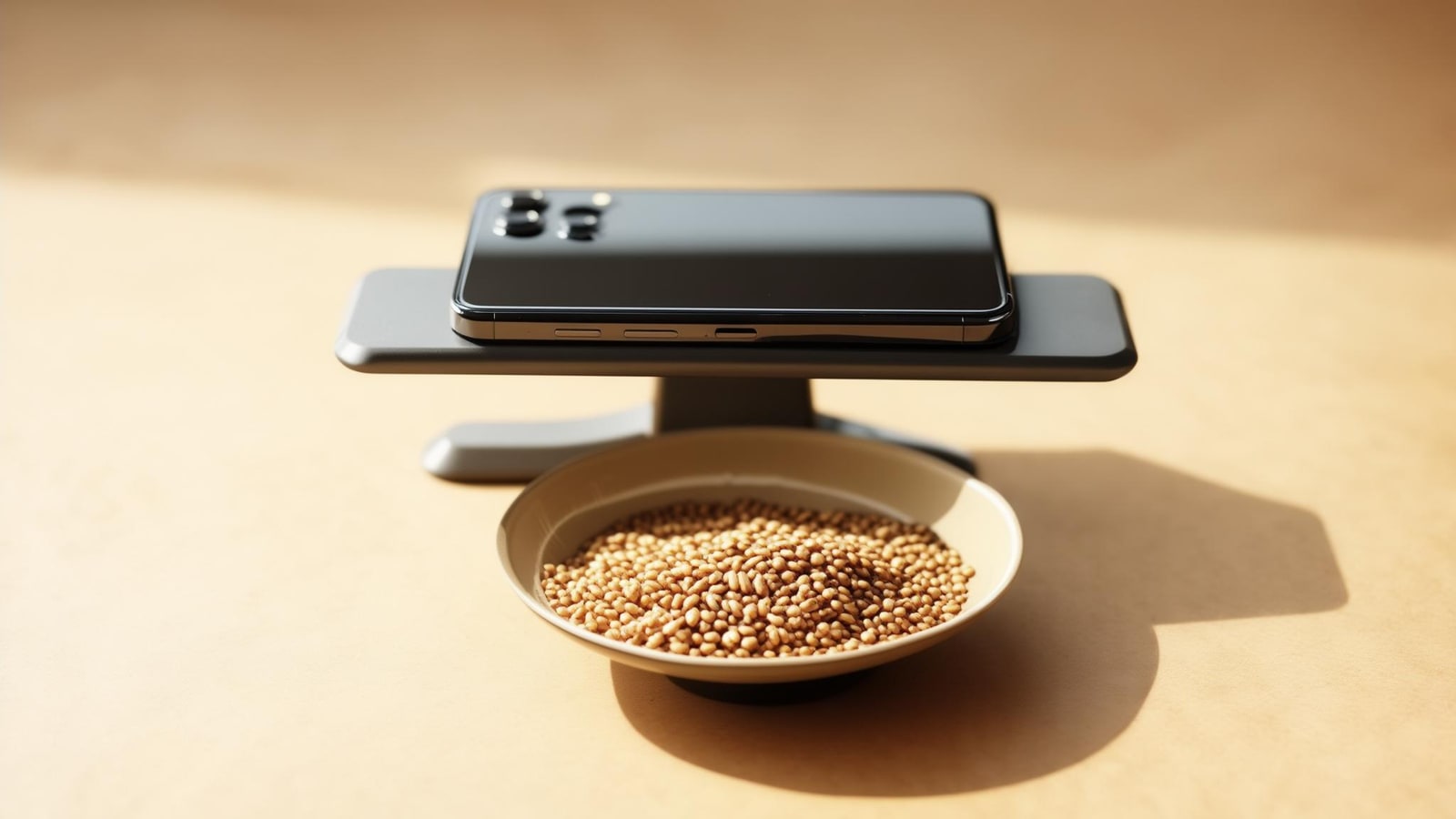
A camera should be convenient, not a gate. Barcode, search and describe-a-meal logging are always there.
01
Point at a plate to identify foods and estimate portions, then check every item before logging.
02
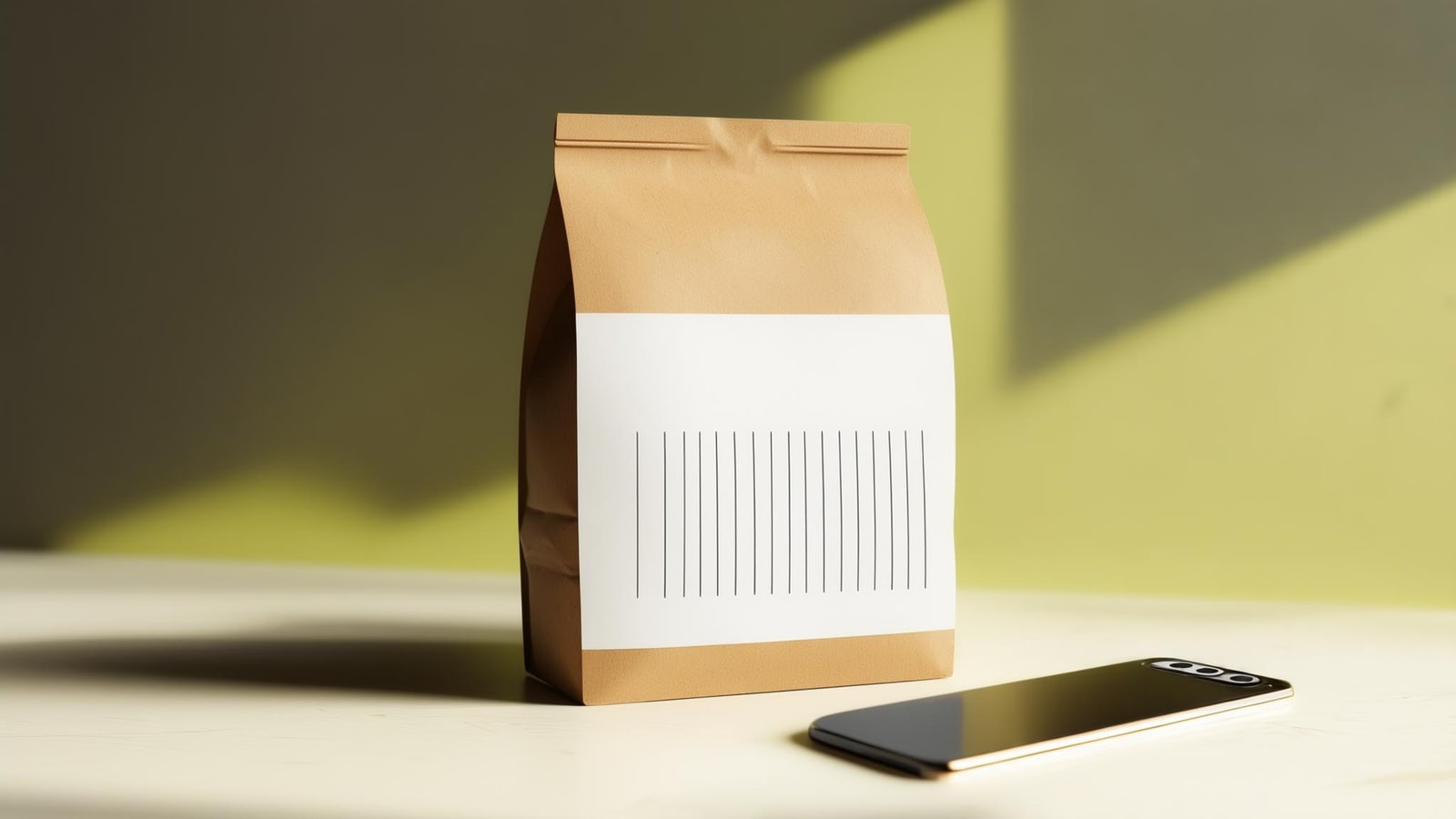
Scan a packaged food and look up its nutrition record without spending a photo scan.
03
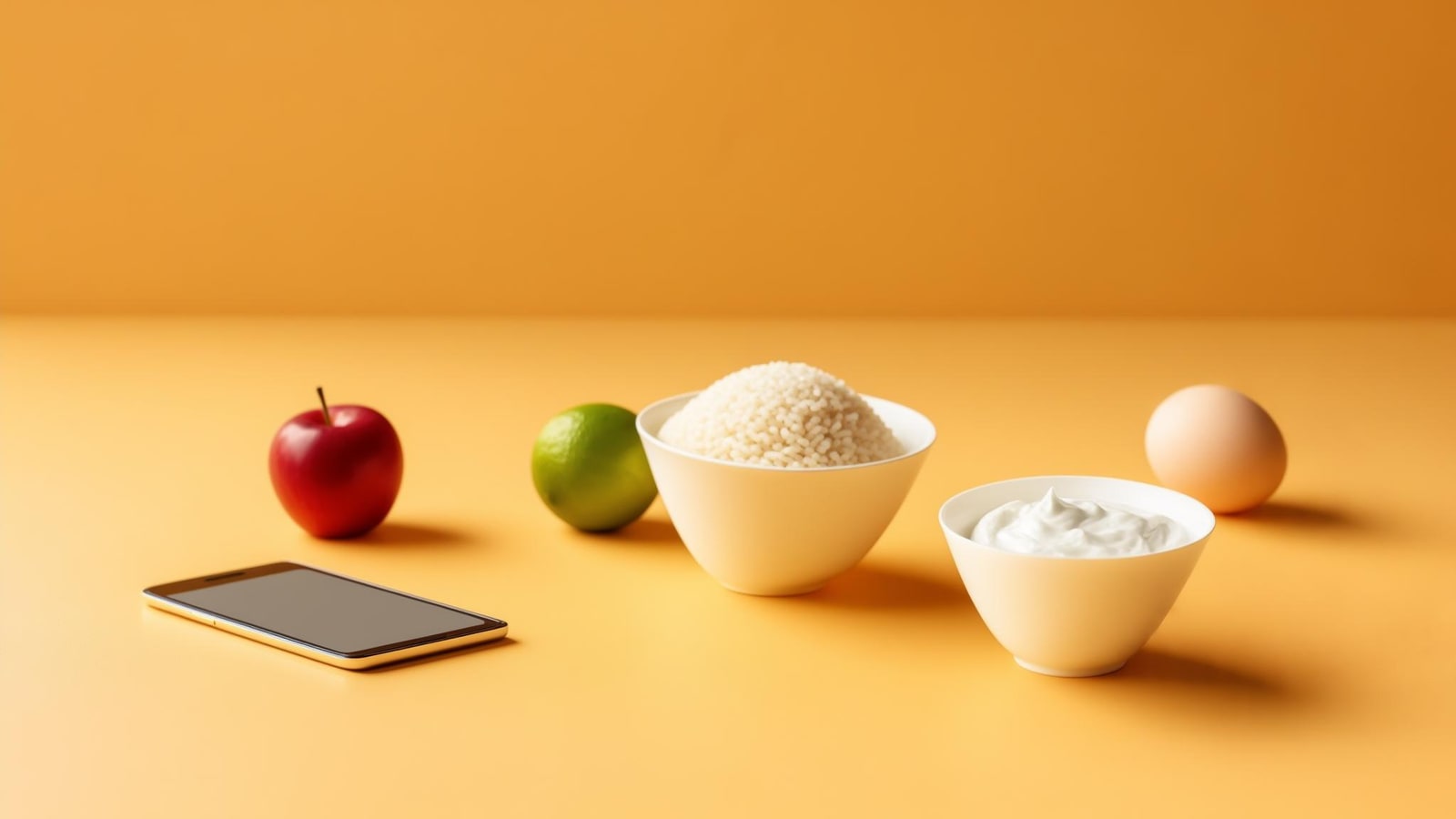
Find a food in the database, choose a portion and add it directly.
04
Type what you ate when taking a photo is not practical. The result stays editable.
What to Eat Next
Practical plates are ranked against what remains in your day, along with your preferences, available time and meal.
The first suggestion is the closest practical option in the current set—not a promise to match every target exactly. You can log it, ask for another or keep doing your own thing.
Illustrative example — Tab shows and explains each change. This chart does not represent your personal values.
An adaptive target
A standard estimate sets your first target. After enough consistent data, Tab compares your logged intake with your weight trend, recalculates weekly and explains any change.
You stay in control: adjustments are visible, and the target can be paused or changed.
Start without a card
Choose Free while you decide. When Tab Pro is available, your local storefront will show the current price before any purchase.
Free
Tab Pro
Private by design
Meal photos normally serve only the scan you request. If you separately opt in, Tab may keep a small random sample of future photos for accuracy review. You can stop sharing in Settings.
Read the privacy policyStraight answers
A vision model identifies food and estimates portion grams. Calories and macros come from food-database records, never a model-generated nutrient number.
Yes. Review the foods, change the match, adjust a portion, add a missing extra or remove an item before you log it.
Try Tab with 5 free photo scans for the lifetime of your account. Barcode, search and describe stay unlimited and free.
Normally, the scan service uses a photo only to return a result. If you separately opt in, Tab may privately keep a small random sample of future meal photos for up to 90 days to review scan accuracy. You can turn this off in Settings.
Yes. Tab is available now on the App Store for iPhone and iPad and on Google Play for Android.
Available now on iPhone, iPad and Android
Start with 5 free photo scans on the App Store or Google Play.